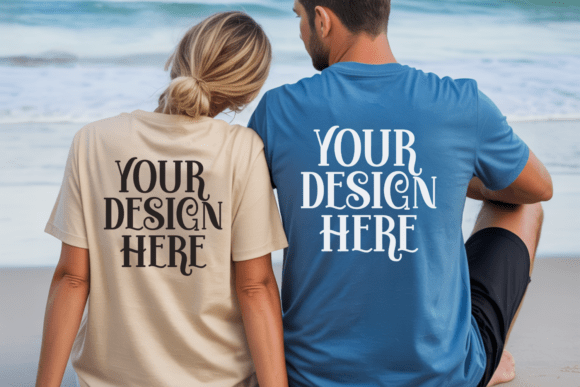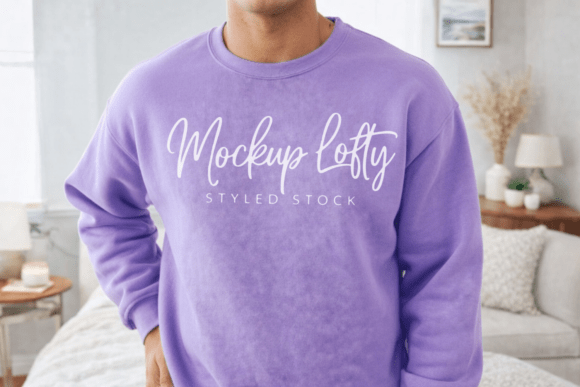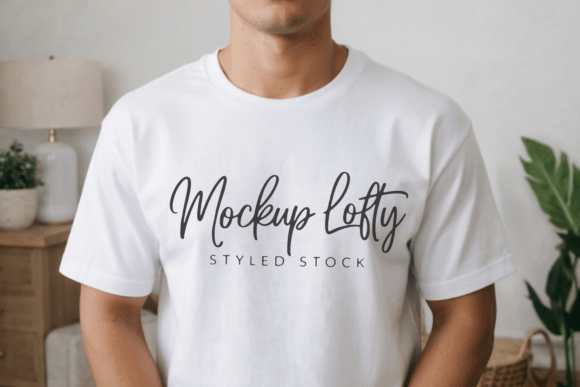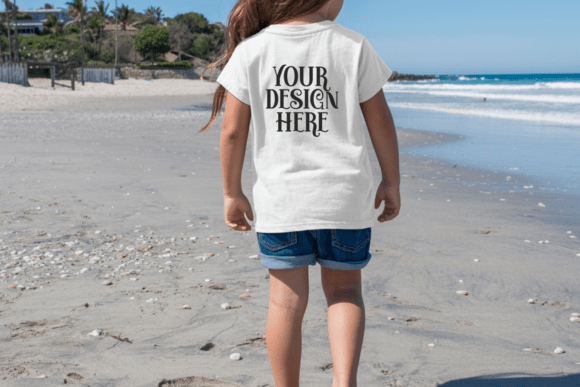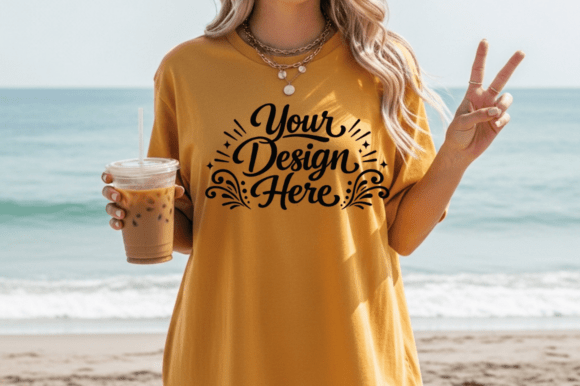
C1717 Comfort Colors Women’s T-Shirt Mockup
Imagine presenting your t-shirt design—not as a flat JPEG on a white background, but draped naturally over a relaxed, modern silhouette, catching light just like real fabric would. That’s what the C1717 Comfort Colors Women Tshirt Mockup delivers: a high-fidelity, 300 DPI visual tool built for clarity, realism, and speed. It’s not a template you build from scratch—it’s a ready-to-use scene with accurate lighting, soft shadows, and subtle depth that mimics how a printed garment sits, folds, and reflects light in everyday settings.
Why This Mockup Fits Real Workflows—Not Just Aesthetic Ideals
At its core, the C1717 Comfort Colors Women Tshirt Mockup is designed to bridge the gap between creative effort and confident presentation. You drop your artwork into an editable smart layer—no masking, no layer blending guesswork—and instantly see how your quote, retro pattern, logo, or sublimation graphic translates onto a soft, fitted women’s tee. The mockup uses the actual Comfort Colors 1717 style: a classic, slightly relaxed fit with a modest neckline and natural drape. That specificity matters. Unlike generic silhouettes, this version reflects a widely used blank in print-on-demand and small-batch apparel, so what you preview closely matches what customers receive.
Different People, Different Priorities
Beginners and hobbyists often start with tools that feel forgiving—not intimidating. For them, the C1717 Comfort Colors Women Tshirt Mockup stands out because it requires zero Photoshop expertise beyond drag-and-drop. If you’ve ever struggled to align a design across shoulders or adjust perspective manually, this mockup removes those friction points. One smart object layer handles scaling, rotation, and positioning automatically. You can test five color variations of your design in under two minutes—ideal when you’re learning what resonates on social media or sharing early concepts with friends.
Etsy sellers and POD creators need consistency and credibility. Customers scroll fast. A blurry or poorly lit product image gets passed over—even if the design itself is brilliant. With this mockup, your listings gain immediate polish: clean backgrounds, realistic fabric texture, and lighting that avoids harsh glare or flatness. That visual trust helps convert browsers into buyers. Plus, because it’s optimized for platforms like Etsy, Redbubble, and Shopify, you can export multiple sizes (square for Instagram, vertical for Pinterest, wide for website banners) without reworking each one.
Graphic designers and branding professionals value flexibility without compromise. They might use the PSD file not just to showcase client work—but to simulate how a logo scales across chest prints versus back placements, or how a gradient holds up near the seam. The layered structure allows for subtle tweaks: adjusting shadow opacity for mood, toggling background layers for studio vs. lifestyle contexts, or isolating the shirt for composite scenes. It’s not just “good enough”—it’s a reliable asset in a repeatable workflow.
Educators and workshop facilitators appreciate resources that teach principles *through* practice. When demonstrating composition, color theory, or print-ready prep, the C1717 mockup becomes a low-stakes canvas. Students place their first vector illustration inside the smart layer and immediately see how contrast, spacing, and sizing behave on curved fabric—not just on screen. There’s no need to explain abstract “mockup logic”; they experience cause and effect visually and instantly.
Small business owners launching merch lines often juggle time, budget, and brand cohesion. They don’t have studio budgets for photo shoots—but they also can’t afford amateur-looking visuals that undermine perceived quality. This mockup delivers professional-grade output at a fraction of the cost and time. You get one consistent model, lighting, and angle across all designs—so your shop feels curated, not scattered. And because it supports PNG, JPG, and layered PSD files, you can scale from quick Facebook posts to full catalog layouts without switching tools.
What Makes It Practical—Not Just Pretty
- Realistic lighting and shadows: Not overly dramatic, not flat—just natural. Helps viewers intuitively understand fabric weight and drape.
- Editable smart object layer: Works in Photoshop CC and newer versions. No plugins, no scripts—just open, double-click, paste, save.
- No watermarks or usage locks: What you download is fully usable for your own presentations—commercial or personal.
- Print-ready resolution: 300 DPI means you can generate crisp product sheets, lookbooks, or packaging mockups without pixelation.
- File versatility: Includes both a ready-to-use JPG/PNG and a layered PSD. Choose speed or control based on your need.
It’s worth noting what this mockup isn’t: it’s not a 3D configurator, nor does it offer pose variations or background swaps. That’s intentional. Its strength lies in doing one thing exceptionally well—showcasing apparel designs on a true-to-life women’s Comfort Colors tee—without overwhelming users with options they rarely need.
If your goal is to communicate design intent clearly—to clients, customers, collaborators, or even yourself—the C1717 Comfort Colors Women Tshirt Mockup meets that need directly. It doesn’t ask you to become a retoucher, photographer, or motion designer. It asks only that you bring your artwork—and then helps you share it with confidence.
Whether you’re sketching your first slogan on Procreate, prepping ten designs for an upcoming Redbubble launch, or building a cohesive brand identity for a new boutique line, this mockup fits quietly into your process. It saves time not by cutting corners, but by removing repetitive steps. It builds trust not through hype, but through fidelity—between what you imagine, what you create, and what others see.